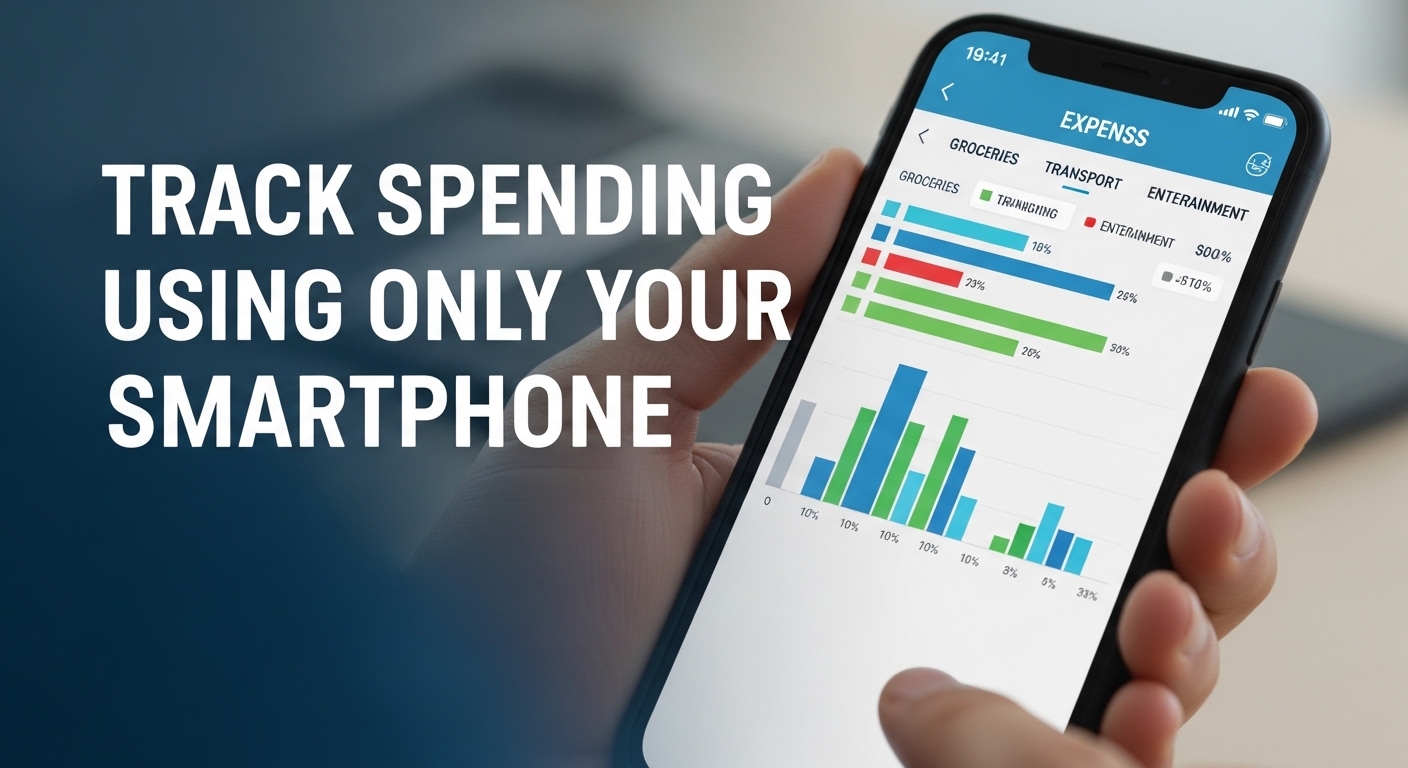
Managing money used to require spreadsheets, notebooks, desktop software, or even piles of receipts stuffed into drawers. Today, however, one of the most powerful financial tools you own is already in your pocket: your smartphone.
With mobile banking apps, budgeting tools, digital wallets, and note-taking apps, tracking your spending has never been more convenient. Yet many people still feel unsure about where their money goes each month. Small purchases—coffee runs, subscription renewals, quick online orders—add up quietly. Without a clear system, it’s easy to underestimate how much you’re actually spending.
The good news? You don’t need complicated software or expensive financial programs to gain control of your finances. Your smartphone alone can help you monitor expenses, categorize purchases, set spending limits, and build better money habits. Apps from companies like Mint, YNAB, and PocketGuard make budgeting more accessible than ever. Even your built-in banking app can provide powerful insights into your daily transactions.
Tracking your spending isn’t about restriction—it’s about awareness. When you know exactly where your money is going, you can make informed decisions, reduce unnecessary expenses, and move closer to your financial goals.
If you’re ready to simplify your financial life and use technology to your advantage, this guide will show you exactly how to track spending using only your smartphone.
1. Use Your Mobile Banking App First
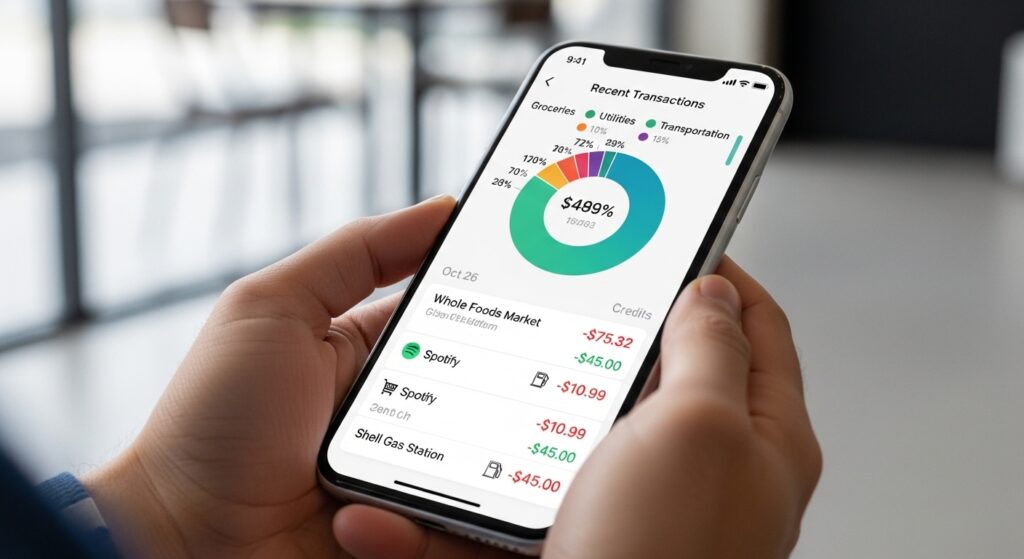
Most banks now provide detailed spending breakdowns within their mobile apps.
Features often include:
- Real-time transaction alerts
- Monthly spending summaries
- Category breakdowns (food, transportation, shopping)
- Searchable transaction history
Start by reviewing your past 30 days of spending. This gives you a clear baseline before making changes.
2. Download a Budgeting App
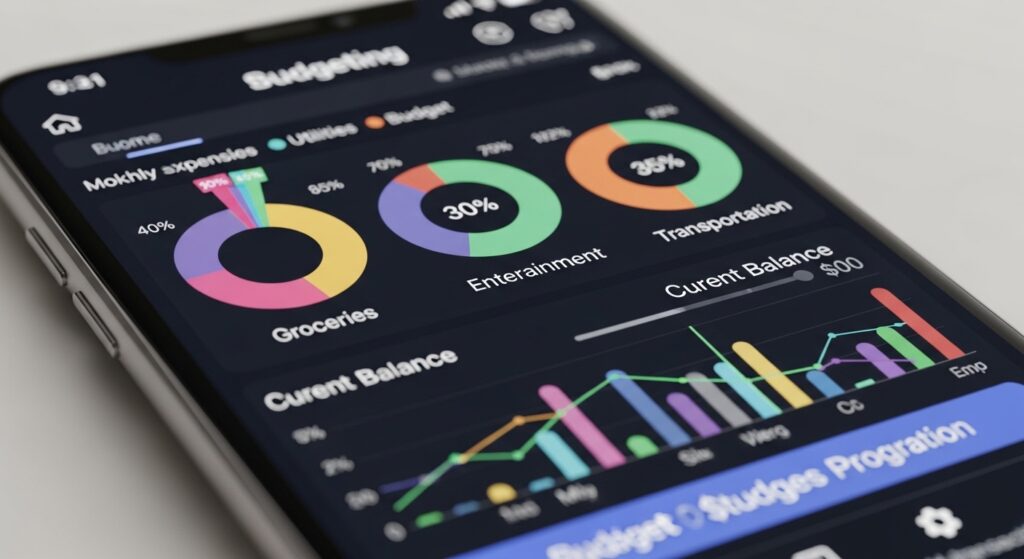
If you want deeper insights, consider a dedicated budgeting app.
These apps allow you to:
- Connect bank accounts
- Automatically categorize expenses
- Set monthly spending limits
- Track savings goals
- View visual spending charts
Choose an app that fits your style—some focus on automation, while others emphasize manual budgeting for greater awareness.
3. Enable Real-Time Spending Notifications
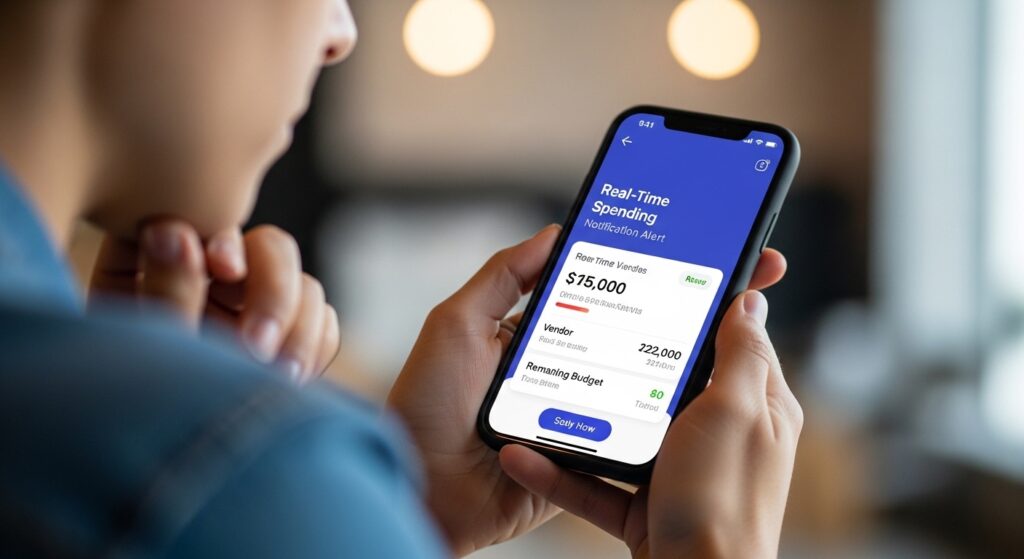
Real-time alerts create accountability.
Turn on push notifications for:
- Debit card transactions
- Credit card purchases
- Subscription renewals
When you receive instant updates, you become more mindful of each purchase.
4. Track Cash Spending Manually
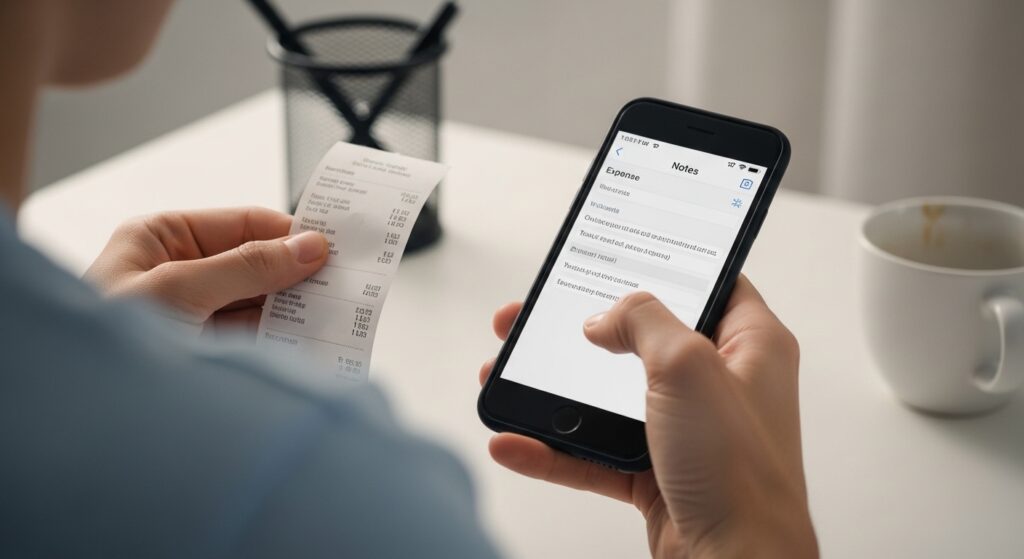
If you use cash, log it immediately in your phone.
You can:
- Use your Notes app
- Use a budgeting app
- Keep a simple running list
Recording cash expenses right away prevents forgetting small purchases.
5. Categorize Your Expenses
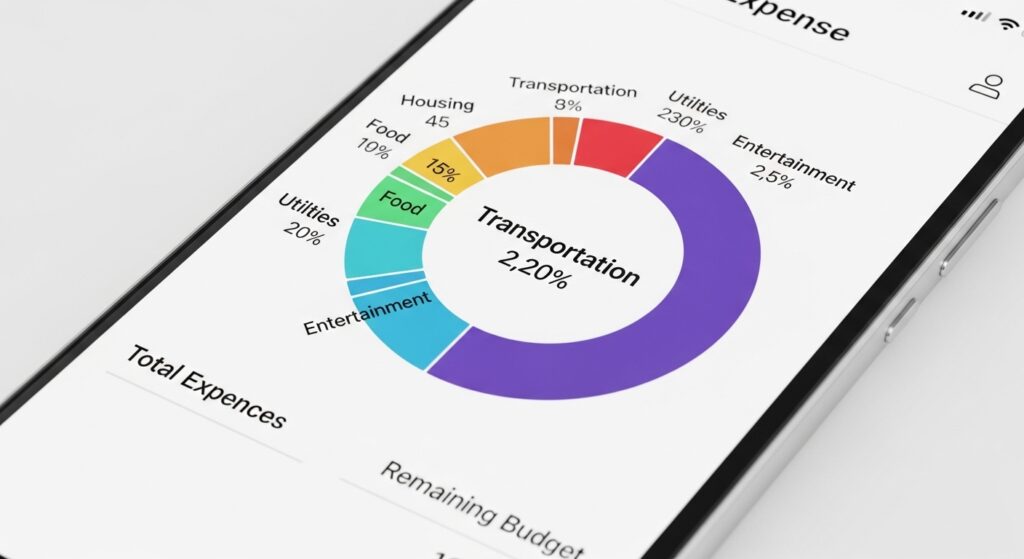
Clear categories make spending patterns easier to identify.
Common categories:
- Housing
- Groceries
- Transportation
- Entertainment
- Dining out
- Subscriptions
- Savings
Review category totals weekly to see where adjustments are needed.
6. Set Weekly Spending Limits
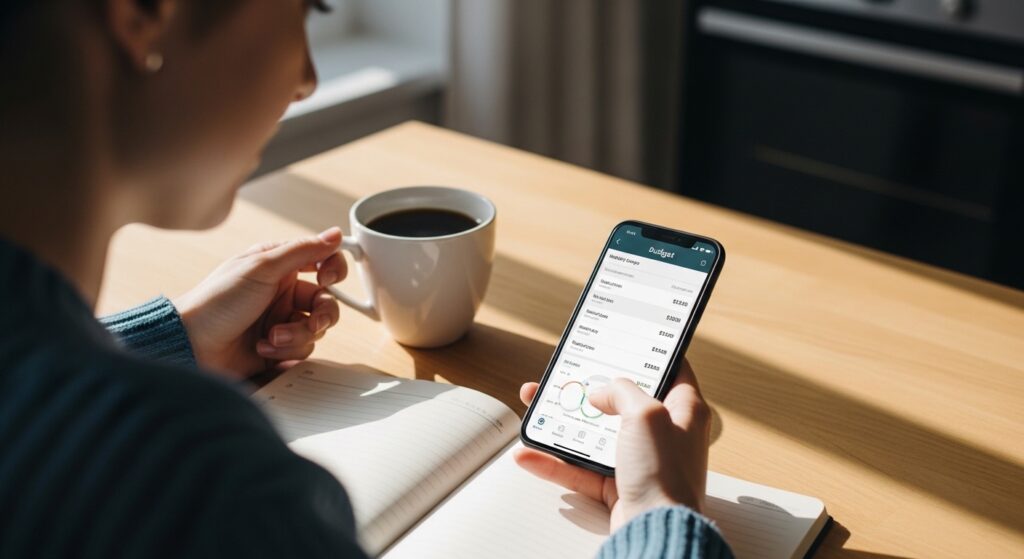
Instead of focusing only on monthly budgets, break your spending into weekly limits.
For example:
- Groceries: $100 per week
- Dining out: $40 per week
- Personal spending: $50 per week
Tracking weekly helps prevent overspending early in the month.
7. Review Your Spending Weekly
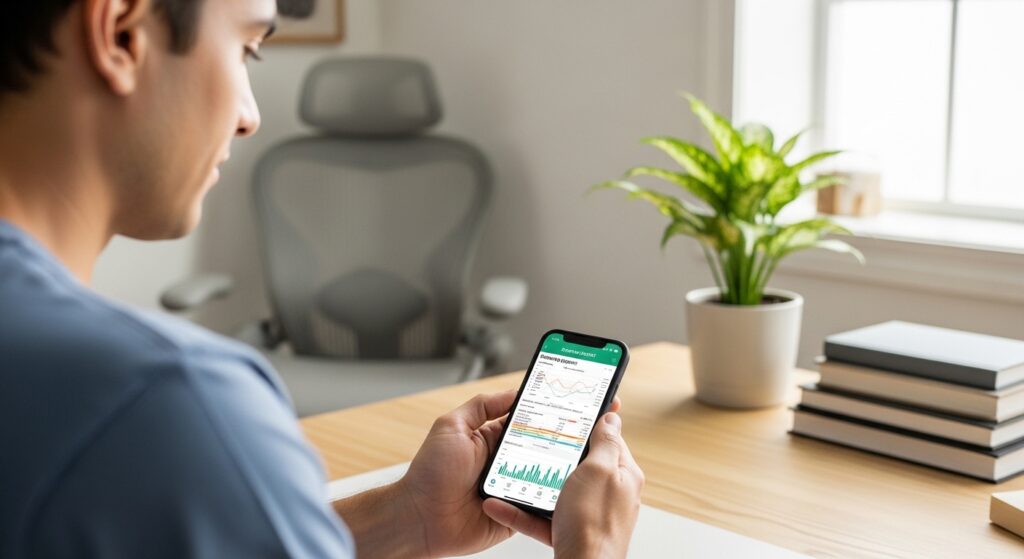
Set aside 10–15 minutes each week to review:
- Total spending
- Largest expenses
- Impulse purchases
- Areas to improve
Weekly reviews keep your budget flexible and realistic.
8. Use Digital Wallet Insights
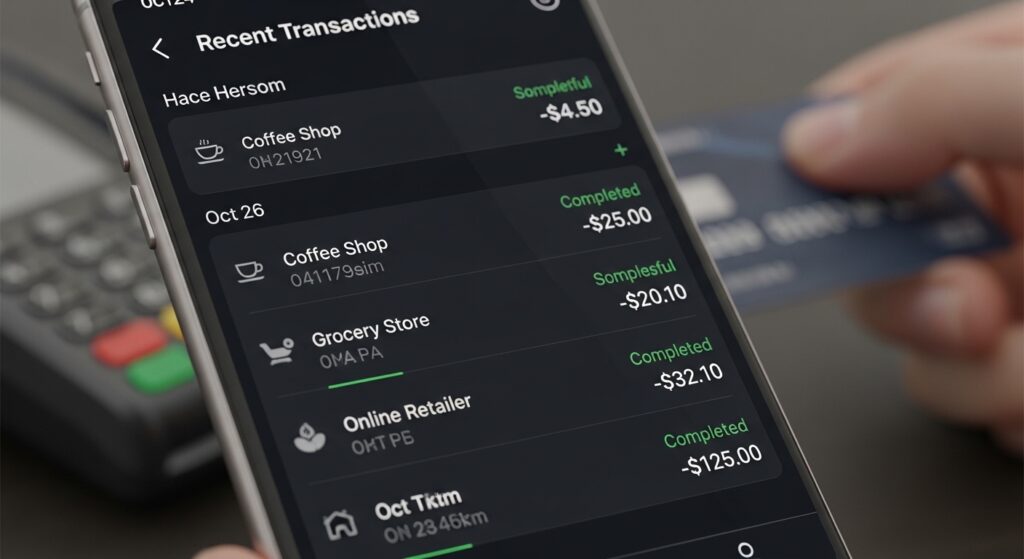
If you use digital wallets like Apple Pay or Google Pay, you can often view transaction histories directly within the app.
These platforms help:
- Track contactless payments
- Organize digital receipts
- Review recent purchases
Centralizing payments through one wallet simplifies tracking.
9. Create Simple Savings Goals
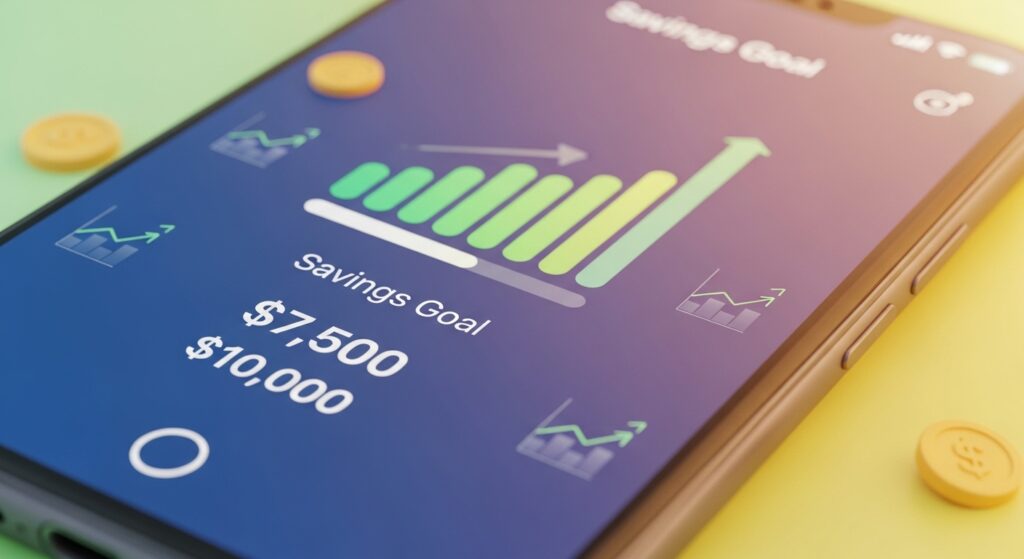
Tracking spending becomes more motivating when tied to a goal.
Use your smartphone to:
- Set savings targets
- Track progress visually
- Automate small transfers
- Monitor growth
Seeing progress in real time builds positive financial habits.
Final Thoughts
Tracking your spending doesn’t require complicated systems or expensive tools. With just your smartphone, you can monitor expenses, categorize purchases, set limits, and build awareness around your financial habits.
The key isn’t perfection—it’s consistency. Even five minutes a day reviewing your spending can transform your financial clarity over time.
When you understand where your money goes, you gain control. And when you gain control, you build confidence.
Your smartphone isn’t just a communication device—it can be your most powerful budgeting tool.